

92 Game Login Guide: Steps, OTP Problems and Account Locks
Most people who type 92 Game Login into a search box are stuck, not curious. The code never arrived, the passcode keeps being refused, or the screen says the account is locked. This page is written for that moment: what causes each failure, what to try first, and how to tell a real sign-in screen from a copy built to harvest your details.
We are an independent site about the platform and the Wingo colour prediction format — not the operator, so we cannot open, reset or unlock anyone’s account. What we offer instead is our own free practice login, holding Rs 10,000 of play money.
Our free practice login
People often arrive at this form expecting a sign-in to the real platform. It is not that. The form below is our own free practice account: not a sign-in to any gaming platform, not connected to the operator, and unable to recover or unlock an account you made elsewhere. It stores a username and a short passcode you invent, in your own browser, on this device only.
No server, no phone number, no email, no card, no verification code. It never touches real money: the balance starts at Rs 10,000 of play money, which cannot be deposited or withdrawn.
Sign in to the free demo
This opens a practice account on this website only. It is stored in your own browser, it holds Rs 10,000 of play money, and it is not an account on any gaming platform. No deposit, no phone number, no real money.
No demo account yet? Create one free.
If signing in does nothing, you have not created the profile on this device yet — the free demo account sign-up takes ten seconds. Clearing browser data erases it. Once inside, the play-money Wingo table runs the real structure: one number from 0 to 9, colour and size bets, a visible timer. Our plain introduction to 92 Game asks for no phone number either.
The usual sequence
These steps are generic rather than instructions for any one operator; knowing the shape helps you spot which step is failing.
- Choose sign in, not sign up. The buttons sit together and get tapped in error.
- Set the country code. Pakistan is +92; apps often keep a default from last time.
- Enter the number without its leading zero: 3001234567, not 03001234567. Typing both is the commonest cause of a rejected number.
- Enter the password, or request a code by SMS. A new device usually forces the code.
- Clear any captcha, slider or confirmation on a device already trusted.
- Land on the account screen. If it loads then throws you out, that is a session fault.
Problems and fixes
The table is the fast version of every access failure we see on this page; the sections below explain each cause in turn.
| Symptom | Likely cause | What to try, in order |
|---|---|---|
| No OTP after several minutes | Network delay or DND filtering | Wait 3 minutes, check spam and blocked folders, toggle flight mode, confirm the right SIM, then request one last code |
| Password rejected every time | Caps lock, stale autofill, or a password saved for a lookalike site | Type it by hand, reveal the field, delete the stale entry, then use recovery |
| Locked after failed attempts | Attempt threshold reached | Stop trying, wait out the lockout window, reset rather than guess |
| Account not found | Wrong number format or a different app | Re-enter without the leading zero, check +92, confirm which app you joined |
| Signed out repeatedly | Unstable data, battery saver, or cleared site data | Exempt the app from battery optimisation, test on Wi-Fi, allow cookies |
| Logged in on another device | Single-session policy, or someone has your credentials | Sign out everywhere, change the password, check recent activity |
| The page looks slightly wrong | Lookalike domain or an advert clone | Type nothing, close it, reopen from your bookmark |
No OTP arrives
The number one access complaint in Pakistan, and usually not the platform’s fault: codes travel as ordinary SMS through a congested chain with many failure points.
- Network delay. Jazz, Zong, Telenor and Ufone all queue bulk traffic at peak evening hours. A code taking four minutes is queued, not lost — and requesting more makes it worse, because many systems invalidate earlier codes when a new one is issued.
- DND registration. Do Not Disturb, switched on to stop marketing messages, can filter bulk-sender traffic with it. Codes are meant to be exempt, but routing is inconsistent.
- Handset filtering. Android Messages and several manufacturer skins push unknown senders into a separate tab. Check spam and blocked folders.
- Wrong country code. With another country selected, the code goes to a number that is not yours. Confirm +92, with no leading zero.
- SIM in the second slot. On dual-SIM phones the message may sit under the other SIM’s thread.
- Roaming. Outside Pakistan, delivery to a Pakistani number is unreliable.
- Weak signal. Ten seconds of flight mode forces a fresh network registration and often releases a queued message.
If codes never arrive on one network while other messages do, the fault is in SMS routing. The Pakistan Telecommunication Authority publishes complaint routes for messaging faults, and your operator’s helpline can confirm whether DND is active.
Password rejected
Caps lock. Mobile keyboards auto-capitalise the first character of an empty field, so a password starting in lowercase may be sent uppercase. Tap the eye icon and read what is really there.
Stale autofill. Browsers happily fill a password you changed months ago. The field looks full, so you tap sign in without checking. Clear it, type by hand once, then delete the old entry. Copy-pasting also drags a trailing space along, which many forms do not trim.
A password saved for a lookalike domain. If you once typed your details into a cloned page, the browser saved them against the fake domain — so your manager offers nothing on the real site, and somebody else holds your credentials. Change it everywhere you reused it.
Account locked
Lockouts are protection, not punishment: unlimited guessing is how accounts get broken into. The usual design counts consecutive failures — often three to five — then freezes the account for fifteen minutes to an hour, sometimes escalating to a hold only support can clear.
What catches people out is that carrying on trying usually extends the lock, because each attempt restarts the clock. Stop, leave the app alone until the window passes, then use the reset route. If the freeze never clears, contact the operator inside their own app — never through a number found in a search result or a group chat.
Account not found
Nine times out of ten this is formatting: with +92 selected, the number goes in without its leading zero.
The other common answer is that you registered on a different application. Several apps carry near-identical names and similar colour prediction screens. Our comparison of the various 92-branded apps explains how to tell them apart. A registration that stalled at verification never creates a profile either; registering again is the fix.
Session drops
Network hand-offs. Moving between cells, or between Wi-Fi and mobile data, changes your IP address, and systems that tie a session to an IP end it.
Battery management. Xiaomi, Oppo, Vivo, Realme and Infinix skins are eager to freeze background apps, and a killed app often loses its session. Exempt it from battery optimisation and lock it in the recent-apps list.
Cleared site data. Cleaners and private modes wipe cookies, ending the session at once — the same mechanism that erases our practice profile. Our guide to the 92 Game APK covers how the installed version differs.
Another device
Many platforms allow one active session, so signing in on a phone ends the session on a tablet. That is normal. Being pushed out while actively using your only device is not: it means your credentials are in somebody else’s hands.
Act in order — change the password, sign out of all sessions, check recent activity, and delete saved copies from any browser you no longer trust. If that password is also on your email, change the email first: it is the master key to everything else.
Phishing and fake pages
Far more accounts are lost to a counterfeit sign-in screen than to any technical fault. A well-built clone copies the logo, the colours, the buttons and the round timer convincingly. The one reliable difference is the address bar.
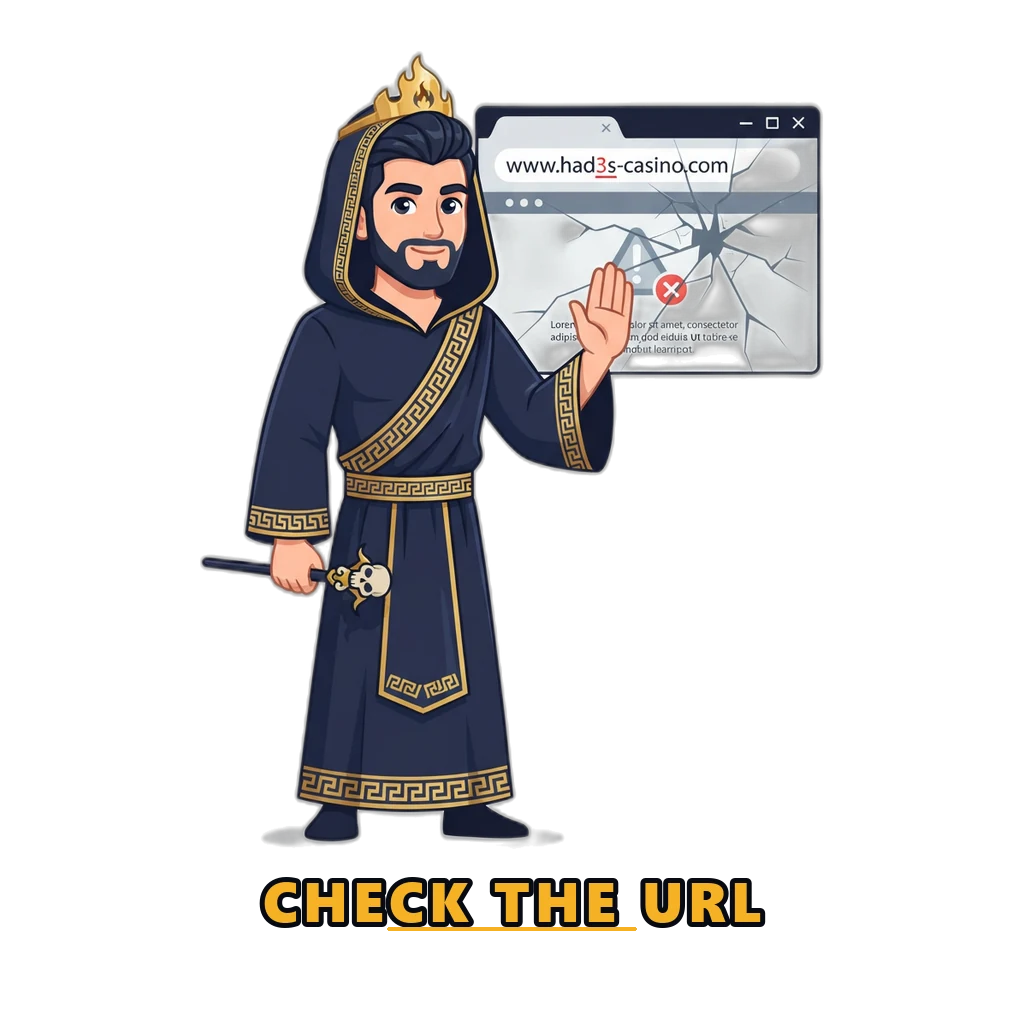
Read the domain one character at a time. Attackers swap a lowercase l for a capital I, rn for m, a zero for an o, or add a hyphen. They also stack subdomains so the brand appears early while the true domain hides at the end. Only the part immediately before the first slash identifies the site.
A paid search result can be a clone. Advert slots sit above ordinary results and go to whoever pays. Bookmark the address once, from a source you trust, and use it every time.
Never sign in from a link in a message. WhatsApp, Telegram and SMS are the main delivery route, usually with a shortener hiding the destination and a deadline attached. Urgency is the tell. A padlock only means the connection is encrypted: it protects the journey, not the destination.
| Safe sign-in checklist | Phishing warning signs |
|---|---|
| Opened from your own bookmark | Reached from a WhatsApp, Telegram or SMS link |
| You read the domain character by character | An extra word, hyphen, or l swapped for I |
| It asks only for what a sign-in needs | It also wants a card number, CNIC or bank PIN |
| No time pressure on screen | A countdown or a bonus expiring in minutes |
| You never repeat an OTP to a person | Someone asks you to read the code out |
| Your password manager fills the field | Your manager offers nothing on this domain |
| Support reached from inside the app | A “VIP manager” contacted you first |
Never share your OTP
No genuine support agent, operator, bank or “VIP manager” will ever ask for your one-time code or your password. Not to verify you, not to unlock an account, not to release a bonus. Anyone who asks is trying to take the account.
The attacker already has your number. They trigger the sign-in themselves, which sends the code to your phone, then contact you with a plausible reason to read it out. Real support can already see your account, so the code is of no use to them.
The same goes for screen sharing: a request to install AnyDesk “so we can help you log in” is a request to watch you type. End the call.
Security basics
Use a passcode that exists nowhere else. Reusing a banking or email password on a gaming account is the most dangerous habit here. Sites like these get breached, and attackers then try the leaked pairs on Easypaisa, JazzCash and Gmail. Check whether yours has appeared in a public breach at Have I Been Pwned; the National Cyber Security Centre’s tips for staying secure online cover the rest in plain language.
Lock the phone itself. On a handset passed around the house, the screen lock is the whole of your security. Turn off lock-screen message previews too, or an incoming code is readable without unlocking anything.
Keep the practice account separate. Its passcode sits in plain text in your browser, as the form says, so never reuse a real password there. Our frequently asked questions about 92 Game set out what we do and do not store.
What a secured account actually gains you
Nearly all of this page is framed as defence — what to refuse, what to distrust — so it is worth saying plainly what the defence buys.
A well-kept account is one you control rather than one you hope about. A unique passcode means a breach somewhere else stays somewhere else. Reading the recent-activity list turns an unauthorised sign-in from something you discover when the balance is wrong into something you notice within a day, while there is still time to change a password and end every session. A password manager only offers to fill a field on the domain it saved, so it quietly checks the address for you on every visit — the one anti-phishing habit that works even when you are tired.
And the code sent to your phone, for all the trouble it causes when it does not arrive, is genuinely stronger than a password on its own: knowing your details is not enough without the handset in your hand.
Mobile and network tips
- Keep the registered number current. A lapsed number can be recycled to another subscriber, handing your codes to a stranger.
- Sign in on a stable connection. Crowded café Wi-Fi times out mid-request and leaves you unsure whether anything worked.
- Free some storage first. A failed install on a full device throws errors that look like account faults.
Online gambling sits in a restricted and legally unclear area in Pakistan, and rules vary by province.
Summary
Nearly every 92 Game Login failure has an ordinary explanation: a queued code, a stale autofilled password, a lockout timer that restarts, an app killed by a battery optimiser.
A cloned page, or a voice asking you to read out six digits, will cost you far more than a forgotten password. Read the domain, use a unique passcode, share codes with nobody.
And if you came to try the game rather than recover an account, the form above is a 92 Game Login of a different kind: no phone number, no code, and Rs 10,000 in play money that cannot become real.
Play Safely and Responsibly
This site is for adults aged 18 and over. There is no guaranteed win in a random draw, and no sign-in trick changes that — every round is decided independently and the house edge applies to every bet.
Play only with money you can afford to lose, and never borrow to play. Our guidance on responsible gaming explains how to cap deposits and find support.
Real-money play carries real financial risk, is strictly for adults aged 18 and over, and may be restricted where you live. No result on any prediction or lottery game can be guaranteed. Read our full responsible gaming guide for budgets, limits and where to find help. (Pakistan has no dedicated national gambling helpline; that page explains what is actually available instead of inventing one.)
Frequently Asked Questions
Why is my OTP not arriving?
Usually network queuing, not an account fault. Jazz, Zong, Telenor and Ufone slow down at peak evening hours, so wait three minutes before asking for another code — repeated requests can invalidate earlier ones. Then check the spam and unknown-sender folders, confirm +92 with no leading zero, look under your second SIM’s thread, and toggle flight mode. Codes are often lost while roaming, and a DND registration can filter them.
What do I do if my account is locked?
Stop trying. Lockouts follow consecutive failed attempts, typically last fifteen minutes to an hour, and further attempts usually restart the clock. Wait the window out, then use the official reset route. If the freeze does not clear by itself, contact the operator inside their own app — never through a number found in a search result or a group chat.
Is the login form on this page a real account?
No. It is a free practice account for our play-money demo and nothing more. It is not a sign-in to any gaming platform and cannot recover an account you made elsewhere. It stores a username and passcode in your own browser only, never touches real money, and starts you with Rs 10,000 of play money that cannot be deposited or withdrawn.
Can support ask for my password or OTP?
Never. No genuine support agent, operator, bank or so-called VIP manager will ask for your one-time code or password, for any reason. Anyone asking is trying to take the account. The same applies to requests to install AnyDesk or any screen-sharing tool so somebody can help you sign in.
How do I spot a fake login page?
Read the web address one character at a time, watching for a swapped letter such as l for I or rn for m, an extra hyphen, or words stacked in front of the real name. Be sceptical of paid search results, and never sign in from a link in a WhatsApp, Telegram or SMS message. A padlock only means the connection is encrypted. If your password manager does not offer to fill the field on a familiar-looking page, this is not the domain you saved.
Try the game without an account anywhere
Our free practice profile takes ten seconds, needs no phone number and no verification code, and starts with Rs 10,000 of play money. Nothing here is real currency.